



Web push notifications: A bridge between Android, iOS and the web
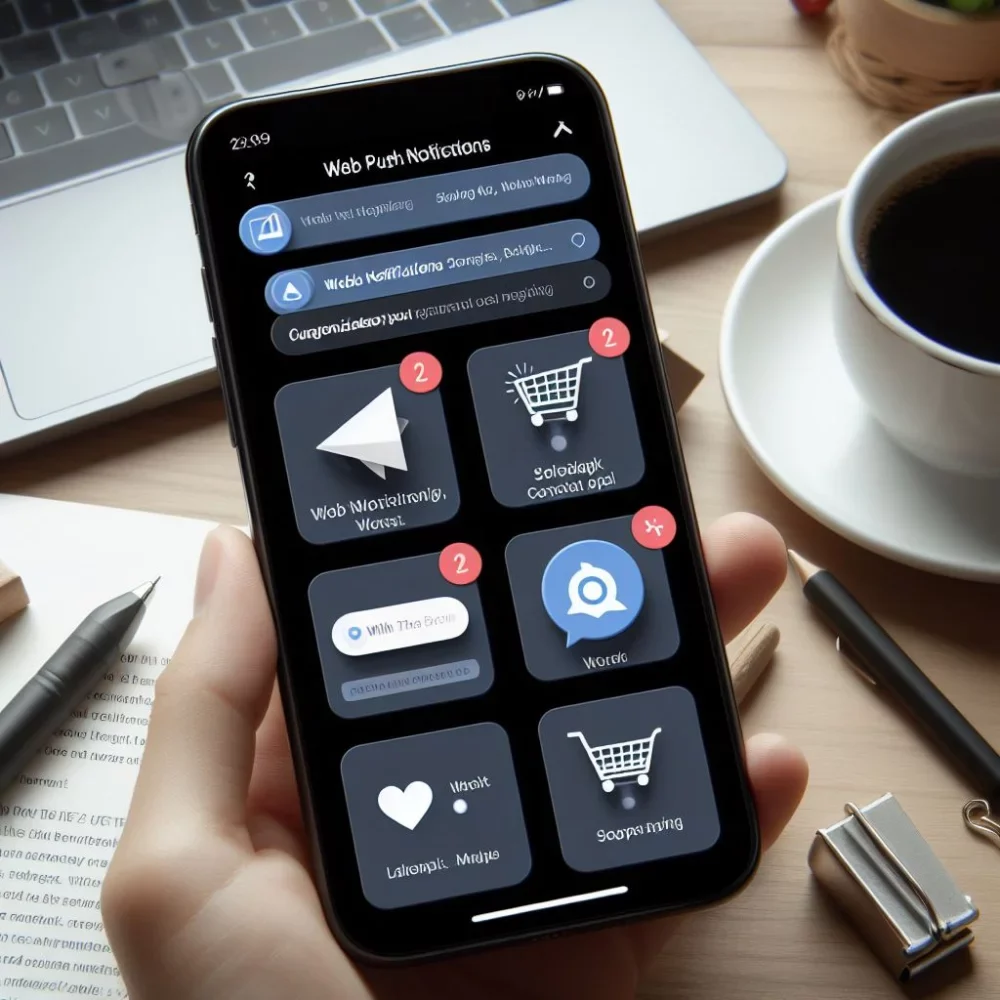
In today's digital era, where internet technologies and mobile devices dominate everyday life, web push notifications are proving to be an invaluable tool for businesses and developers. This article looks at how web push notifications work and how they can be used effectively on Android and iOS.
What are web push notifications?
Web push notifications are messages that a website can send to users even when the site isn't currently open in the browser. They work much like mobile app notifications, providing an instant way to communicate with users.
How do they work on Android and iOS?
Android
On Android devices, web push notifications work through browsers such as Chrome, Firefox and Opera. These browsers use Google Cloud Messaging (GCM) or Firebase Cloud Messaging (FCM) to send and receive push messages.
iOS
On iOS, the situation is a bit more complicated. Safari, the main browser on iOS, does not yet support standard web push notifications. At WWDC 2022, Apple introduced its new operating system, iOS 16, which brings many new features and improvements. One of them is support for web push notifications. This feature allows websites to send notifications to users even when they aren't active on the site. Web push notifications have long been available on Android devices. Apple, however, had not supported them until now, which was a disadvantage for many websites and apps. With web push support in iOS 16, that is changing. Websites can now more easily stay in touch with their users and inform them about new posts, promotions or other news.
Benefits of web push notifications
- Higher user engagement: Notifications help keep users informed and engaged.
- Targeted communication: The ability to segment users and send them tailored messages.
- Better brand visibility: Keeping users regularly informed increases brand awareness.
- Easy implementation: Most modern web technologies support simple integration of web push notifications.
Challenges and best practices
When implementing web push notifications, it's important to pay attention to several key factors and adopt best practices:
User consent: Before sending push notifications, you must obtain the user's consent. This process should be transparent and simple.
Content personalization: Users should receive relevant, tailored messages to maximize their engagement and interest.
Optimization for different platforms: It's important to adapt notifications to different operating systems, especially given the differences between Android and iOS. This includes formatting, message length and interactive elements.
Testing and analysis: Continuously testing and analyzing notification performance helps improve strategy and content.
Respecting privacy: It's critical to respect users' privacy and comply with data protection laws.
Using strong calls to action (CTA): Calls to action should be clear and motivate users to interact.
Managing sending frequency: Too many notifications can annoy users, while too few can lead to a loss of interest. Finding the right balance is key.
Audience segmentation: Dividing your user base into segments based on behavior, preferences or demographics can help you reach the right group with the right content.
Using strong visuals: Attractive images and emotive copy can make notifications more effective.
Security: As with any online service, security should be a priority to prevent abuse of the notification system.
Conclusion
Web push notifications are a powerful tool for engaging users and building relationships with them. Using them effectively on platforms like Android and iOS can contribute significantly to the success of digital marketing strategies and improve the user experience. However, it's important to consider the differences between these platforms and adapt your approach to match user expectations and preferences on each of them.
Kick-start your business
Don't leave your ideas unrealized – kick-start your business and achieve success.
Let's meet!